To accept an invitation, you'll first need to download the Goalify mobile app.
Open the Goalify mobile app and tap Sign in with email to create your Goalify account.
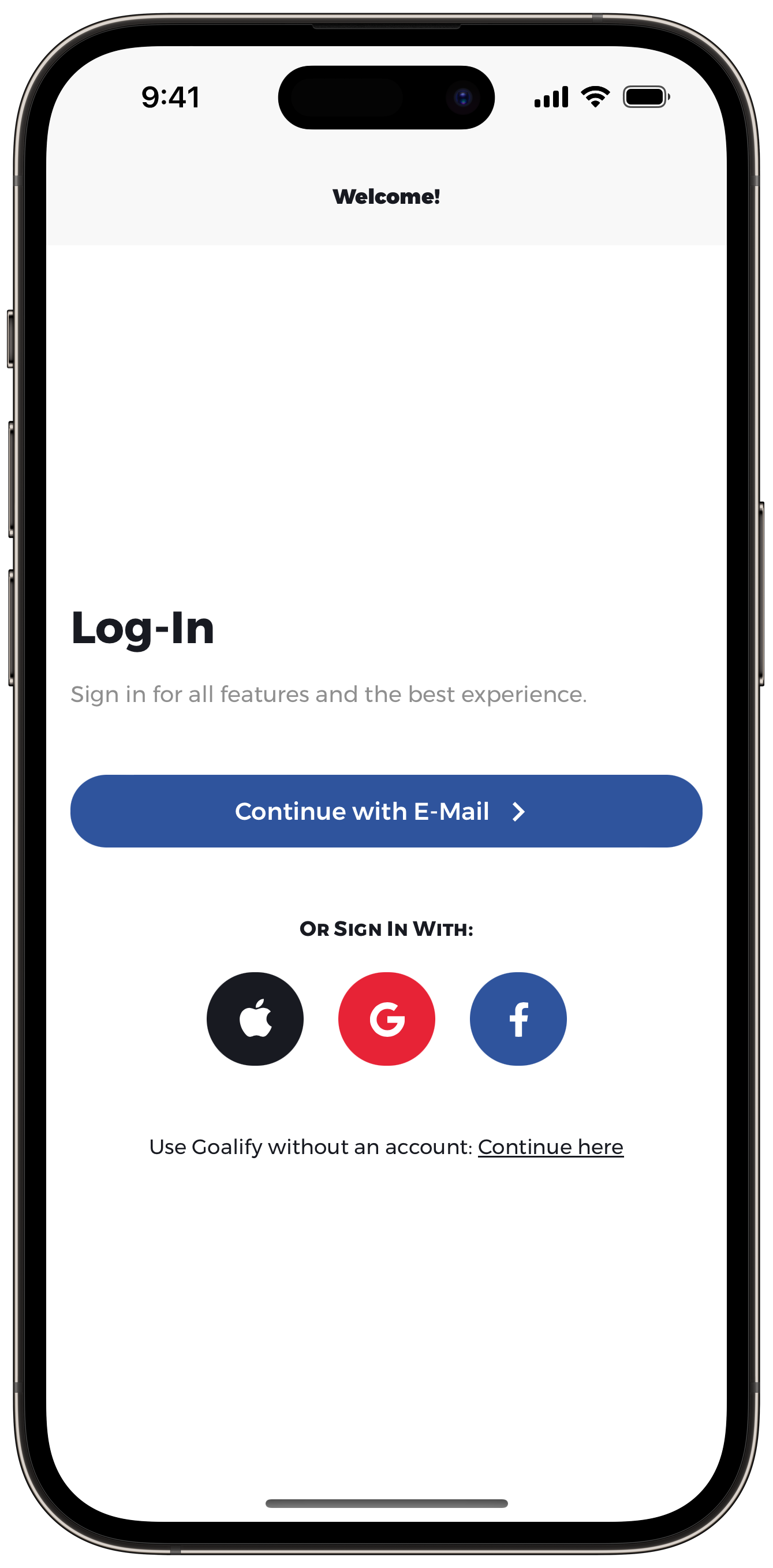
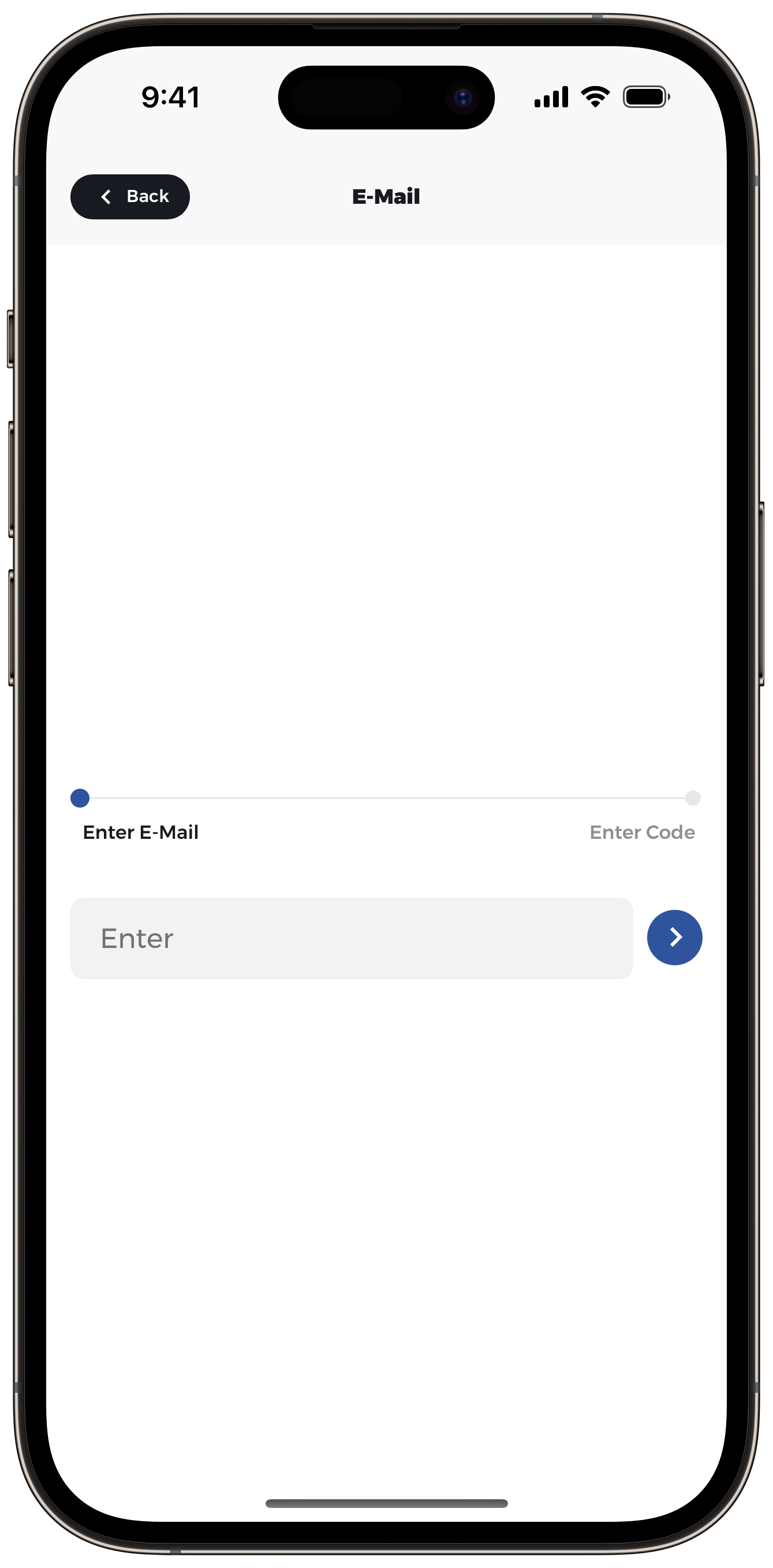
Enter the same email address shown in your invitation email, then tap the Continue button. .
You may also be asked to enter your first name. Type in your name, then tap Continue again.
Please read and accept the Goalify User Agreement and Privacy Policy.
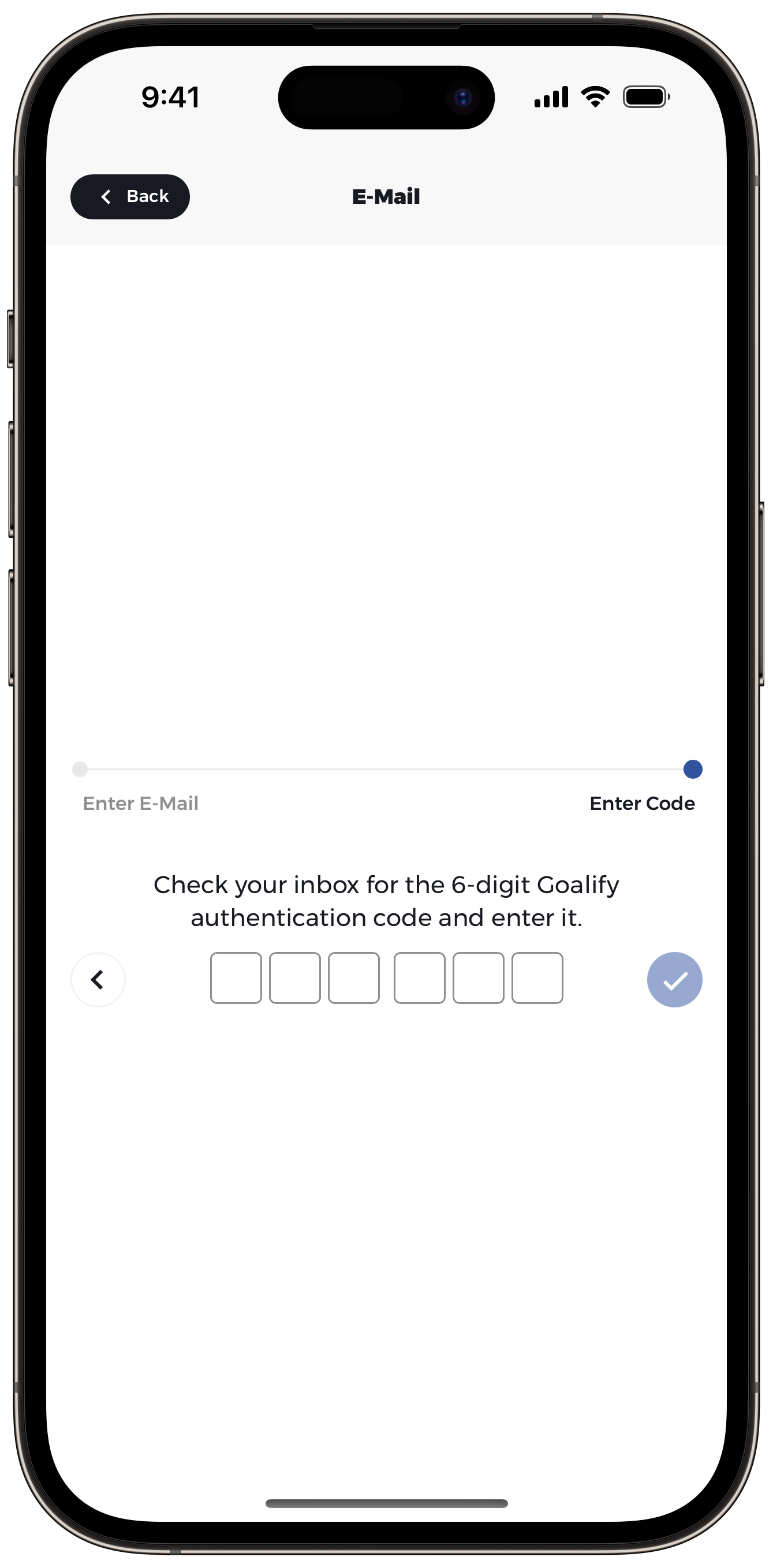
Goalify will immediately send a confirmation email from hello@goalifyapp.com to the email address you entered.
Use the code in the email to complete the sign-in process.
Please also check your spam folder if the message doesn't appear after a few minutes.
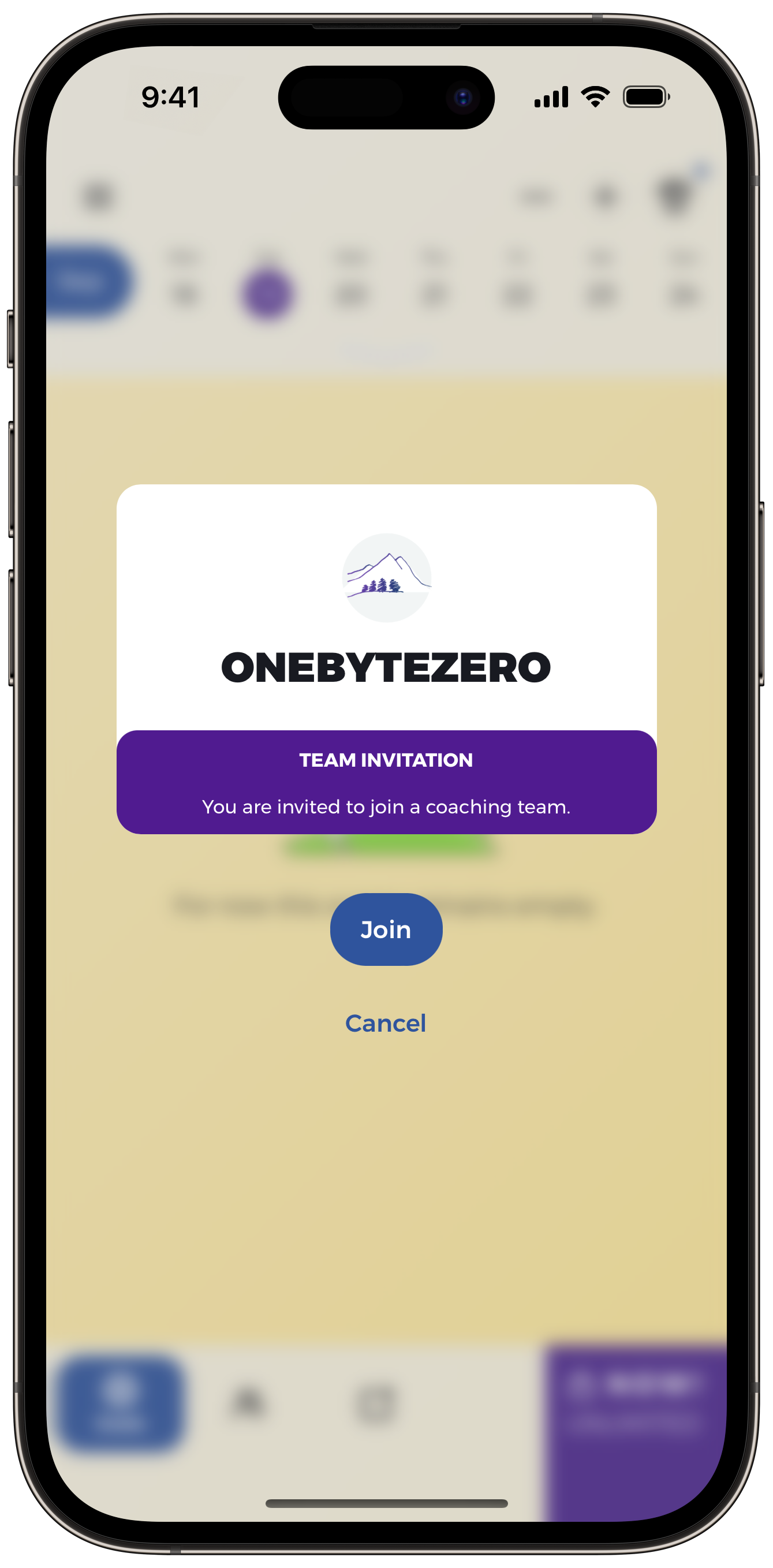
Your invitation will now appear, and you can accept it using the Accept button.
You're now connected with your coach, and your coaching can begin.
We love to hear what drives you and how we can help. Please get in touch for any questions you may have. We typically reply within 24 hours.
We love to hear what drives you and how we can help. Get in touch for a free 1-on-1 consultation and demo. We typically reply within 24 hours.
We use cookies on our website. Some of them are necessary while others help us to improve our online offering. You can accept the cookies that are not necessary by clicking on the "Accept all Cookies" button. It does help us!
Some of the data collected on this website is processed in the USA by Google or Facebook: By accepting all cookies, you also consent in accordance with article 49 (a) GDPR that your data will be processed in the USA. According to EU standards, the USA is assessed by the European Court of Justice as a country with an inadequate level of data protection. In particular, there is a risk that your data may be processed by US authorities for control and monitoring purposes, possibly even without the possibility of redress. If you click on "Accept Essential Cookies", the data collection and transmission described above will not take place.